
Weddings
Every guest photo from every wedding event, in one place you own
A wedding isn't one day. It's the proposal, the engagement party, the shower, the bachelor and bachelorette parties, the rehearsal dinner, the big day and the brunch after. Give each one its own QR code, and every photo your guests take lands in full quality in your own Google Drive, Dropbox or OneDrive.
How does PicsCrew work for a wedding?
PicsCrew is a camera app for iPhone and Android. For each wedding event you book a package and get a QR code. Guests scan it, type their name and start taking photos: no account and no password. Every photo goes straight from their phone to a folder named after that event in the couple's own Google Drive, Dropbox or OneDrive, in full quality, with the time it was taken. One Wedding package covers the whole wedding week, from the welcome party to the day-after brunch, and each event before it gets a package sized to it.
Before the wedding
The lead-up: a package for each event
These usually happen weeks or months before the wedding, so each one gets its own QR code and its own folder.
The proposal and engagement photos
Friends hiding behind the trees, family waiting at the restaurant, the photo session after. Every angle of the moment, from everyone who was there.
Suggested: Gathering
Engagement party
Both families together, often for the first time. Put the QR code by the door and on the bar.
Suggested: Celebration
Bridal shower
The games, the gifts and the faces when they're opened, captured by every guest without anyone being stuck behind a camera.
Suggested: Gathering, or Celebration for a big shower
Bachelorette party
A night out or a weekend away. Everyone's photos in one folder the bride owns, not scattered across a dozen group chats.
Suggested: Gathering, or Celebration for a weekend
Bachelor party
The golf, the game, the road trip. One QR code, and the groom decides which photos make it out of the folder.
Suggested: Gathering, or Celebration for a weekend
Stag and doe, Jack and Jill or casino night
The fundraiser party with the card tables, the prizes and the whole town invited. Put the live slideshow on a screen so guests see the night as it happens.
Suggested: Celebration
And everything else
Dress shopping, the cake tasting, the bridal party's getting-ready morning, a family dinner or a couple's shower. If people are taking photos, give them a QR code.
Suggested: Gathering
Wedding week
One Wedding package covers the whole week
The Wedding package runs for 7 days with one QR code, so guests who join at the welcome party are still in at the brunch. Up to 250 guests, unlimited photos and the live slideshow, plus 30 days afterwards for guests to send anything they took while out of signal.
Welcome party
Out-of-town guests arriving, first hugs and first drinks. The night everyone starts sharing.
Rehearsal dinner
The toasts, the stories and the wedding party practising their walk. Usually the most relaxed photos of the whole week.
The wedding day
Getting ready, the ceremony, the reception and the dance floor, from every table. Your photographer covers the classics; your guests cover everything else.
The after-party
When the photographer has gone home and the best stories begin.
Day-after brunch
The morning after, the gift opening and the last goodbyes before everyone heads home.
Need more time?
Add an extra day for $19 USD, or 10 more guests for $10 USD, before or during the week.
Why couples use it
Every photo, without chasing anyone for it
No guest accounts
Guests scan the QR code and type their name. Nothing to sign up for, so grandparents and plus-ones join in seconds.
Full quality, not group-chat quality
Photos arrive at the camera's full quality, with the time each one was taken, not squashed the way chat apps squash them.
A folder for each event
Every event gets a folder named after it in your storage, so the shower photos never get mixed up with the reception.
Live slideshow
With Celebration and Wedding, guests' photos appear on the venue's screen within seconds. Hide any photo with a tap.
Frames, stickers and speech bubbles
Guests can add a wedding frame, props and speech bubbles to their photos before sending, if you turn them on. See samples.
Photo challenges
Run a photo scavenger hunt: "Something blue", "A photo with the couple", "The best dance move". The first guest to send each one wins, and winners appear on the slideshow.
Your photos, not ours
Photos travel from each guest's phone straight to your storage. PicsCrew never keeps a copy, and guests never pay anything.
Add fun
Frames, props, stickers and speech bubbles
After each photo, guests can tap Add fun to decorate it, or just send it. You choose which packs your event offers and write the words on the frame. Only the decorated photo is sent to your storage.
Weddings and the events around them
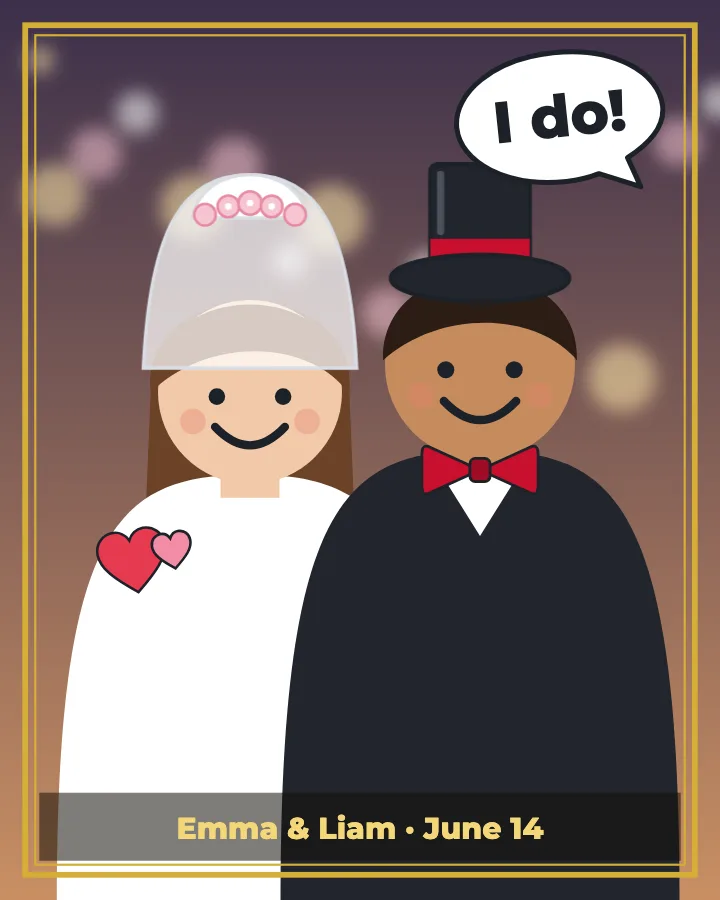
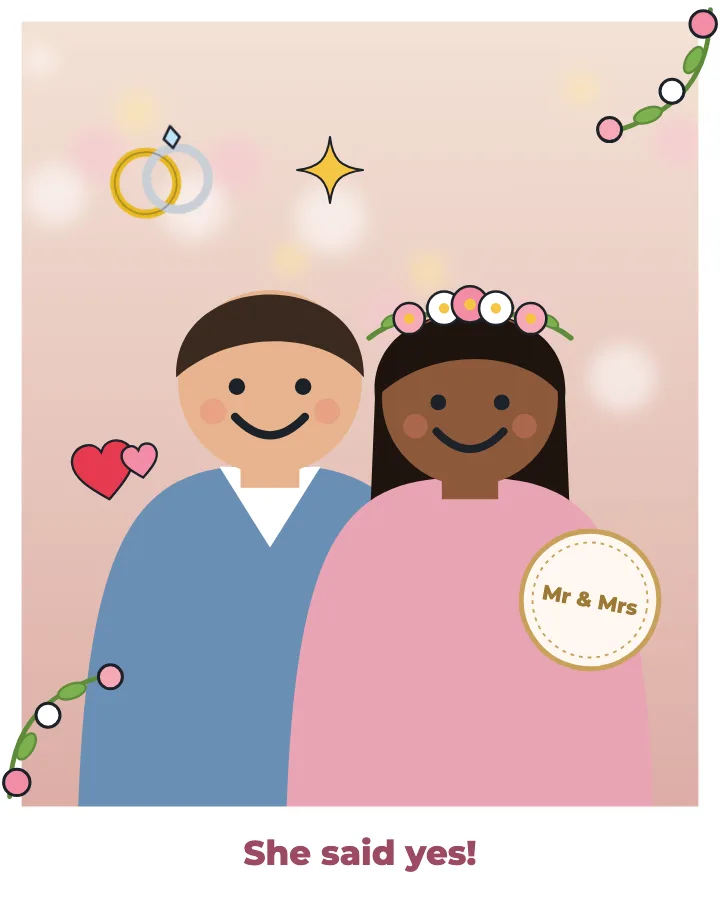
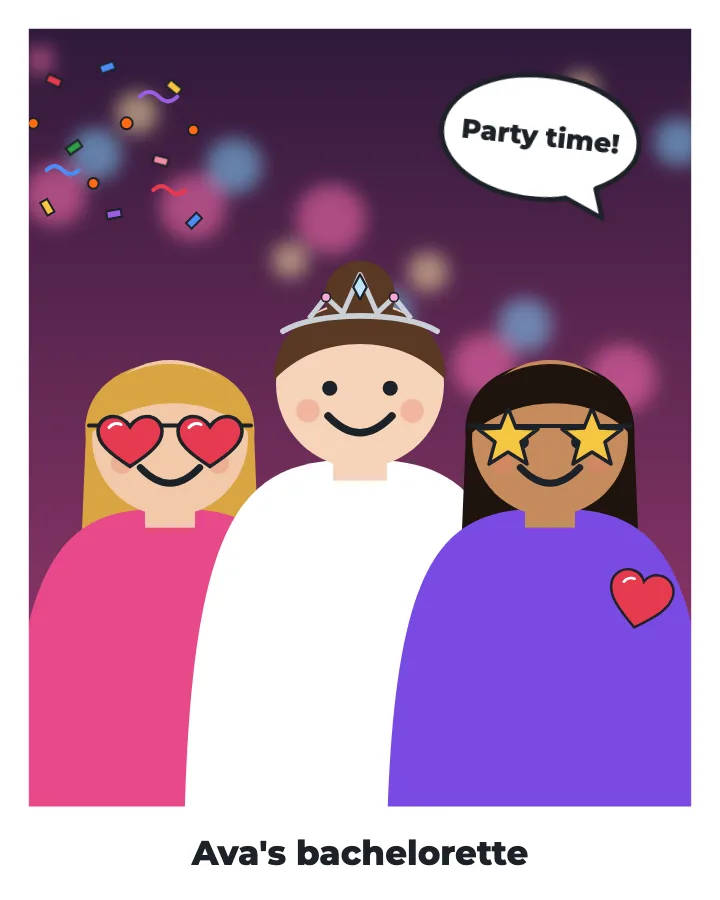
Birthdays, parties, reunions and every other event
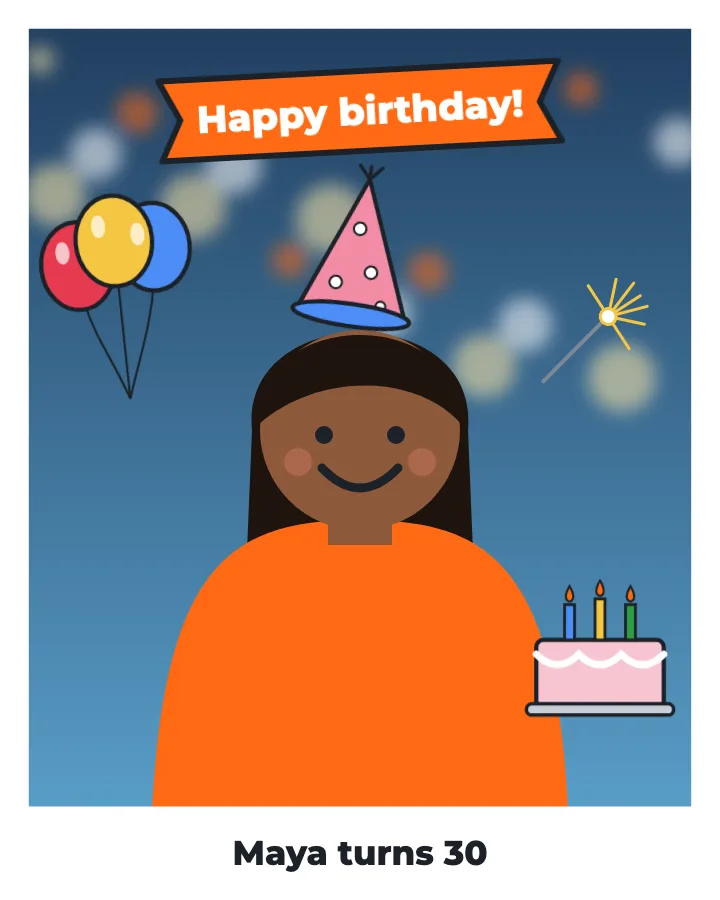
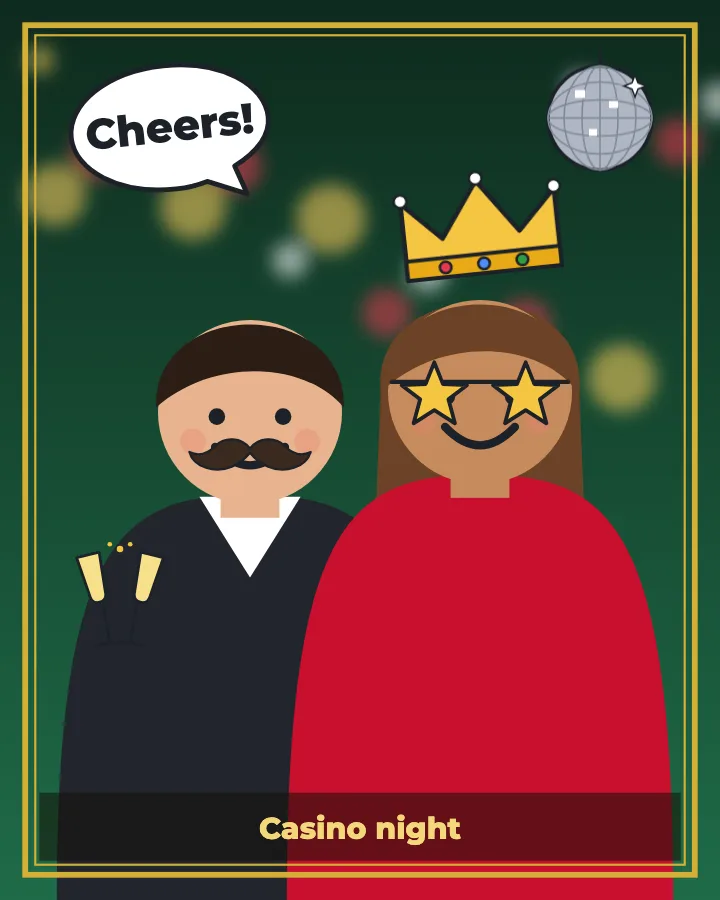
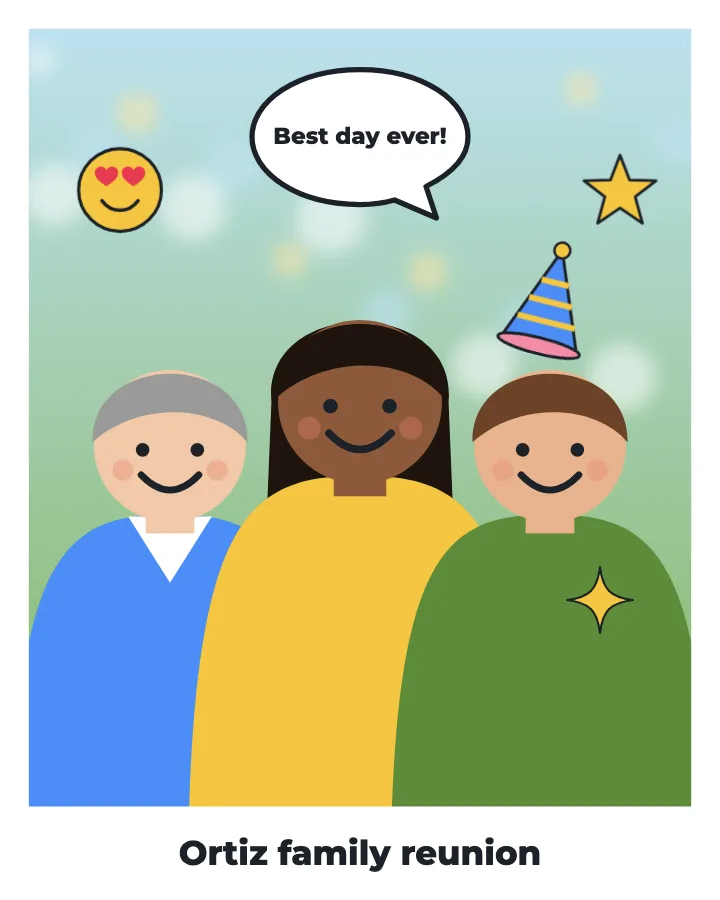
Packs: Wedding, Party, Birthday, Stickers and Bubbles, plus a frame in classic, floral or gold. Built-in speech bubbles appear in each guest's language, and you can add bubbles with your own words. Samples are illustrations; guests decorate their real photos.
Photo challenges
A photo scavenger hunt for your guests
Give guests a list of photos to take, like "Something blue", "A photo with the couple" or "The best dance move". The first guest to send each one wins, and everyone sees who won.
Write the challenges
On your dashboard, list up to 20 challenges and add a prize if you like. Choose whether the first photo wins or you pick the winners yourself.
Start the game
Press Start the game when you're ready, at dinner or after the first dance. Within half a minute, guests see the challenges in their camera.
Winners on the big screen
Guests pick a challenge and take the photo. Each winner gets a "You won!" on their phone and appears on the live slideshow. Press End the game to close it.
Photo challenges come with every event package; the live slideshow comes with Celebration and Wedding. See the step-by-step guide.
Packages
Which package for which event
| Package | Price | Length | Guests | Best for |
|---|---|---|---|---|
| Gathering | $49 USD | 1 day | 15 | Proposal, showers, bachelor and bachelorette nights, dress shopping |
| Celebration | $149 USD | 2 days | 50 | Engagement party, stag and doe or casino night, weekend getaways |
| Wedding | $249 USD | 7 days | 250 | The wedding week: welcome party to day-after brunch |
Wedding planners and photographers: the Planner pack gives you 10 Wedding packages for $1,990 USD to use for clients within a year. See all event packages.
How it works
Three steps for each event
Book the event
Pick a package, name the event and choose its first day. Connect your Google Drive, Dropbox or OneDrive once.
Share the QR code
Print it on table cards, add it to the invitation or the group chat, or put it on a sign by the door.
Guests shoot. You get everything.
Every photo lands in that event's folder as it's taken. Share the folder with family, or download it all in one go.
Wedding questions
Can we use PicsCrew for the bachelor party, the shower and the wedding?
Yes. Book a package for each event. Events in the lead-up, like the shower or the bachelorette, each get their own QR code and folder. One Wedding package then covers the whole wedding week, from the welcome party to the brunch.
Does one Wedding package cover the rehearsal dinner and the brunch?
Yes. The Wedding package runs for 7 days with one QR code, so it covers the welcome party, rehearsal dinner, wedding day, after-party and day-after brunch. Need longer? Add a day for $19 USD.
Why not use one package for the engagement party and the wedding?
They're usually months apart, and each package runs for a set number of days. A package for each event also gives each one its own folder, so the photos stay organized.
Can we show the photos on a screen at a casino night or the reception?
Yes. Celebration and Wedding include a live slideshow: open its link on a TV, projector or laptop, and guests' photos appear within seconds. You can hide any photo or turn the slideshow off from your dashboard.
Can we run a photo scavenger hunt at the wedding?
Yes. Turn on photo challenges for the event and list them, with a prize if you like. Guests pick a challenge in the camera and take the photo. The first photo to arrive for each challenge wins, or you pick the winners yourself, and they show up on guests' phones and on the live slideshow. You hand out the prizes.
Do guests need an account or have to pay?
No. Guests scan the QR code, get the free PicsCrew app and type their name. They never pay anything, and they never see your storage or other guests' details.
Where do the photos go?
Into a folder named after each event in your own Google Drive, Dropbox or OneDrive. PicsCrew doesn't keep the photos; they travel from each guest's phone straight to your storage.
How much storage do we need for a wedding?
A full-quality phone photo is usually 3 to 5 MB, so the 15 GB in a free Google account holds roughly 3,000 to 4,000 photos, less if guests record videos. Google Drive is our pick for weddings. For a big wedding, create a spare Gmail before the day: if the first Drive fills up, disconnect it on your dashboard and connect the spare one, and new photos go there while everything already delivered stays put.
Can the maid of honour or best man run the bachelorette or bachelor party?
Yes. Whoever books the event owns its folder, so the maid of honour or best man can book the party with their own account and share the photos with the couple afterwards, or not.
Planning a wedding?
Give every event its own QR code
From the proposal to the brunch, every guest becomes a photographer and every photo lands in your own storage.